Try these routes in order
MethodWhen it can helpLimitation
Face ID or Touch IDBiometric access is still enabled for Notes.Changing biometric settings may require the custom password later.
Device passcodeThe note was locked using the device-passcode model.It does not replace an older custom Notes password.
Older custom passwordThe note was protected before a password change.Current and old notes may use different passwords.
Password resetYou need to lock future notes.It does not unlock previously locked notes.
The limitation Apple documents
If a note uses a forgotten custom password and Face ID or Touch ID cannot open it, Apple says it cannot help regain access. Resetting the password creates a credential for notes locked going forward; it does not decrypt the old note.
See Apple’s current Notes password and reset instructions.
Do not destroy a working access path
- If biometrics still open the note, copy the contents before changing Face ID, Touch ID, or Notes password settings.
- Check the password hint carefully. It may correspond to an older password rather than the current one.
- Confirm which account owns the note; separate accounts can use different custom passwords.
- Do not install “unlock” utilities that promise to break Apple Notes encryption.
After you regain access
Remove the old lock or update the note to your current method while it is open. Store any irreplaceable recovery information somewhere appropriate and backed up.
Visual context
Recognize the screens and access choices
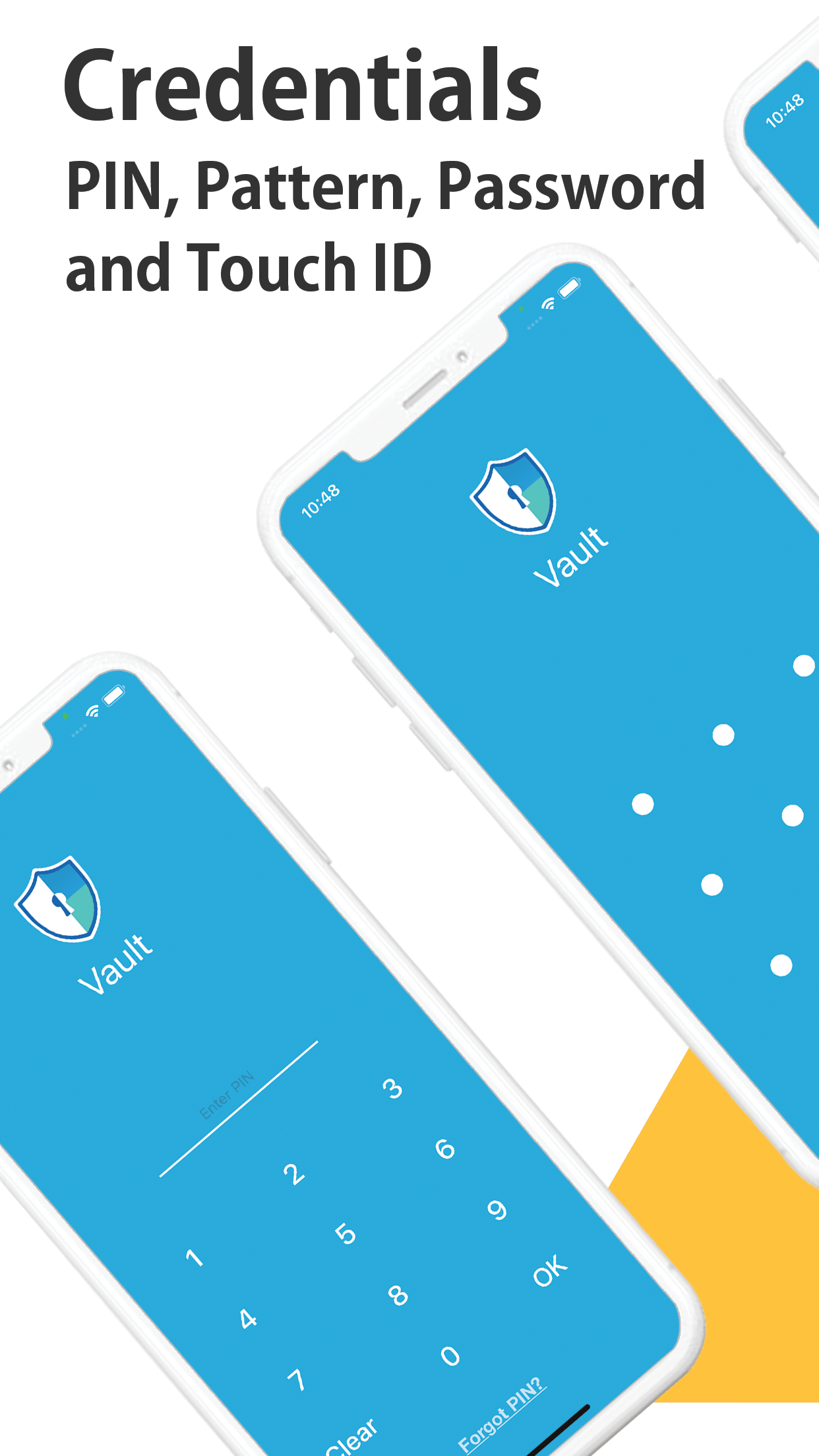
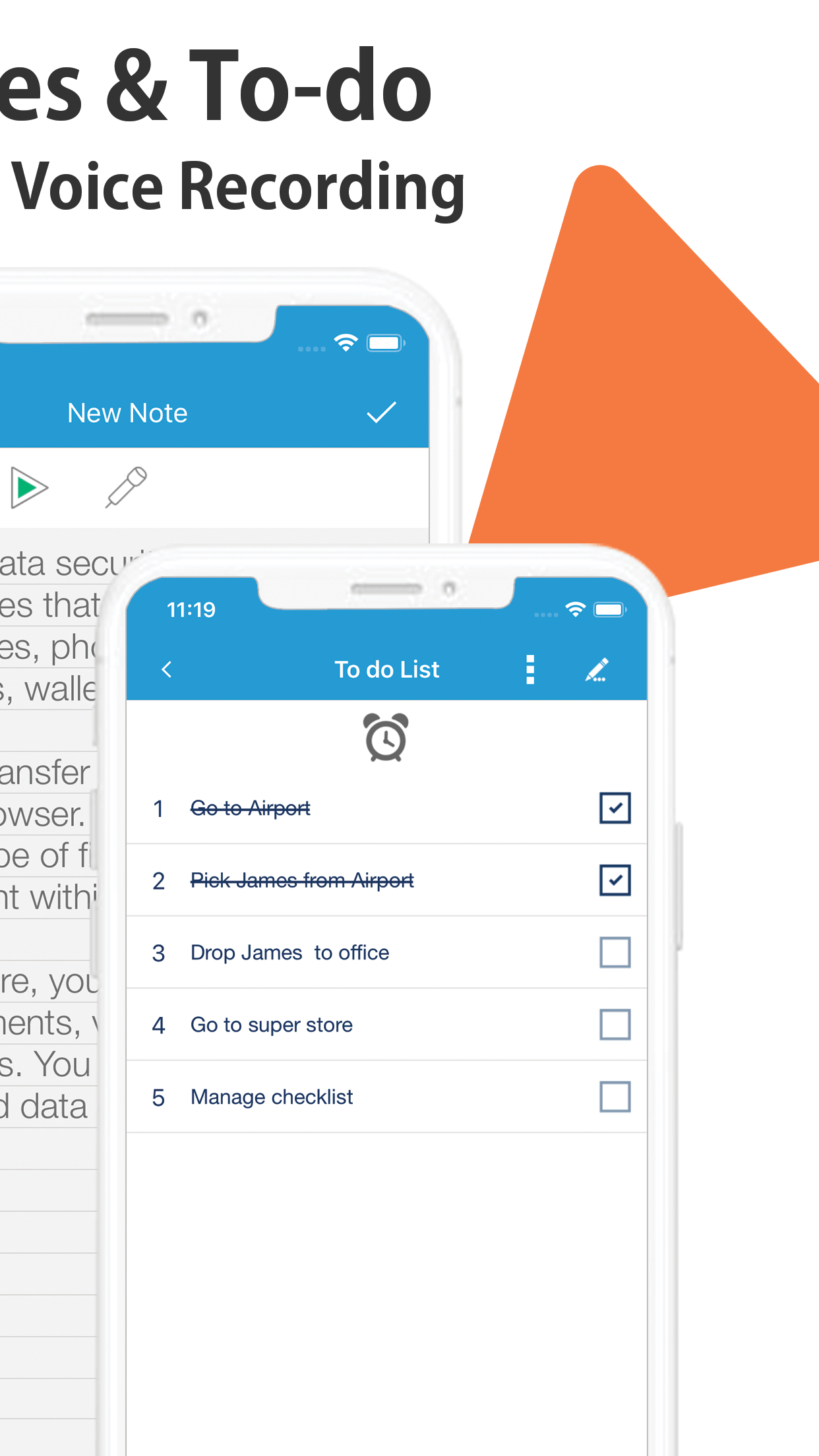
These reference visuals help distinguish authentication, storage, and recovery concepts. Your exact interface may vary by app and system version.
Verified references