Decision matrix
When removing the lock is better
If you can still open the note and want to keep using it without protection, remove the lock from inside the open note. Apple’s instructions require Face ID, Touch ID, the device passcode, or the appropriate Notes password before the Remove action.
Do not confuse “Remove lock” with “Reset password.” The former changes that note after authorized access; the latter does not grant access to older locked notes.
A separate home for future private content
Use Folder Lock as prevention—not Apple Notes recovery
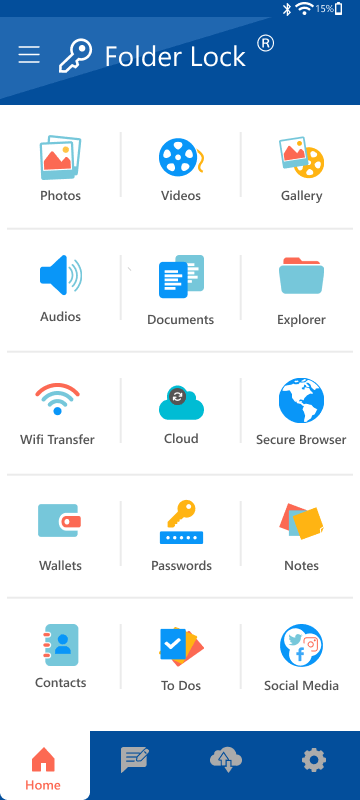
Folder Lock can provide a separate protected space for new private material, including documents, photos, videos, and personal records. This is a forward-looking storage choice: it cannot reveal, decrypt, or recover an Apple Note protected by a forgotten password.
- Separate protected storage for private files and records
- Organized categories for different kinds of personal content
- Designed for intentional storage before access is lost
Important: Confirm current device compatibility and features in the App Store listing before installing.
Review Folder Lock on the App Store
Keep the boundary clear
Moving future information to another app is a prevention choice. It is not a bypass for a forgotten Apple Notes password, and no product recommendation on this site should be interpreted that way.
Visual context
Recognize the screens and access choices
These reference visuals help distinguish authentication, storage, and recovery concepts. Your exact interface may vary by app and system version.

Verified references